No bank login
A budget app without bank linking
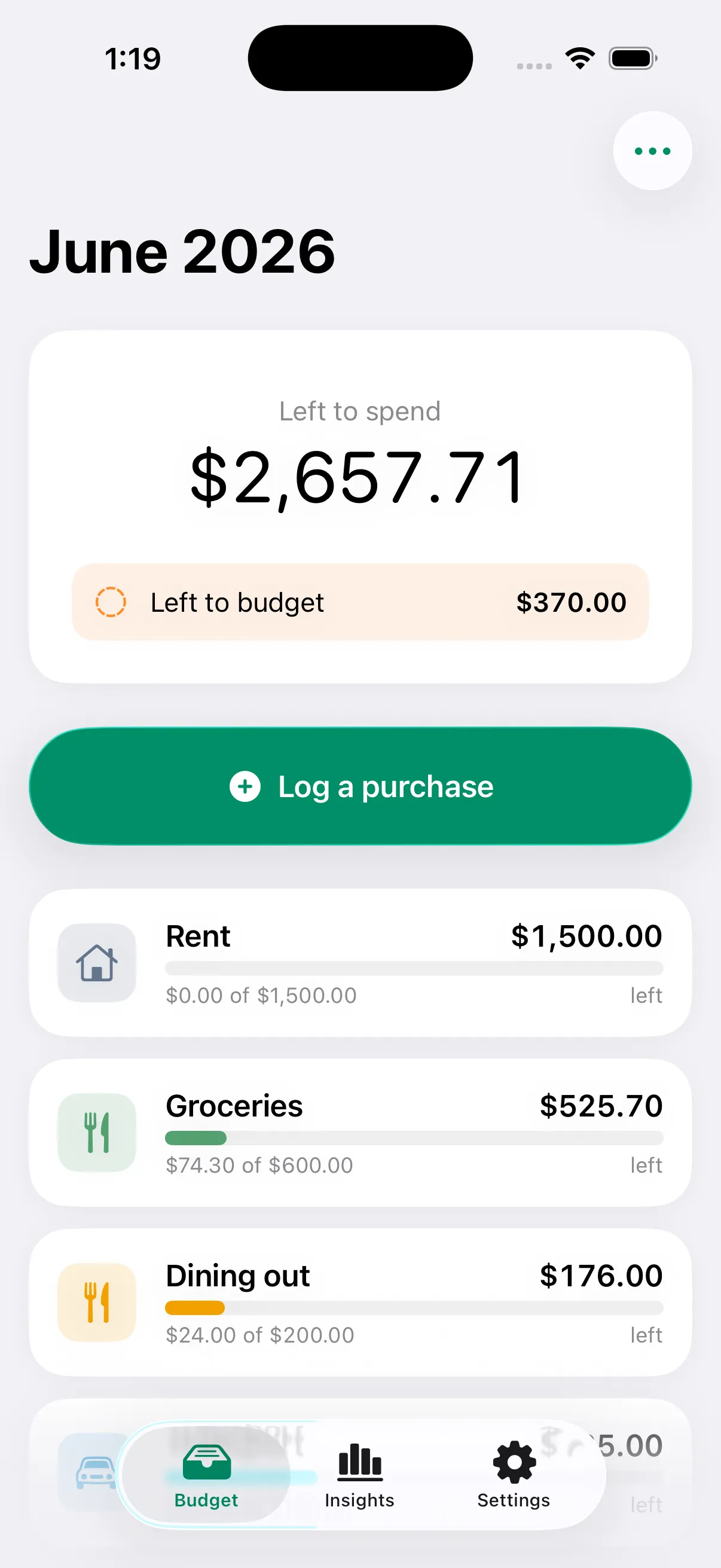
Tuckaway is a manual envelope budget app. You enter your own figures, so it never asks for a bank password, never uses Plaid, and never holds your data on a server. Your budget lives on your phone. The basics are free, with no envelope cap.
Apple's privacy label reads "Data Not Collected."
Why skip the bank connection at all?
Bank-linking apps trade your bank login for convenience. That trade has a cost: the connection breaks, duplicate transactions appear, and a third party sits between you and your money data. A manual app removes the middle entirely.
Privacy that is structural, not a promise
Tuckaway has no bank credentials to leak because it never asks for them. There is no aggregator, no Plaid, and no Tuckaway server holding your budget. There is nothing to breach.
Reliability, because nothing can disconnect
The most common complaints about bank-sync apps are failed connections and duplicate transactions. When you type what you spend, none of that can happen. The number is always exactly what you entered.
Your data, portable and yours
Import a CSV of your old history so you keep your records, and export everything any time. Nothing is locked in, because nothing is held somewhere you cannot reach.
Manual vs. bank-linked, honestly
Manual is not strictly better for everyone. Here is the real trade-off.
| What you get | Tuckaway (manual) | Bank-linked apps |
|---|---|---|
| Works without your bank password | ✓ | — |
| Data stays on your device | ✓ | — |
| No account to create | ✓ | — |
| No third-party data sharing | ✓ | — |
| Nothing to breach on a server | ✓ | — |
| Auto-imports transactions for you | — | ✓ |
If automatic import is the one thing you cannot live without, a bank-linked app may fit you better. If privacy and control matter more, manual wins.
Manual, but not slow
The reason people accept bank linking is to avoid typing. Tuckaway's answer is to make logging the fastest thing in the app: two taps, a home or lock-screen widget, Siri, and one-tap recurring templates for the bills that repeat.
- Open, type the amount, tap the envelope.
- Log from a widget without opening the app.
- Set rent and subscriptions once; never re-type them.
Questions, answered
Is there a budget app that does not require bank linking?
Yes. Tuckaway is a manual envelope budget app. You type what you spend instead of connecting an account, so it never asks for a bank password and your money data stays on your phone. The privacy is the design, not a setting you toggle.
Why would I want a budget app without a bank connection?
Three reasons people choose manual: privacy (no third party ever sees your accounts), reliability (no broken bank connections or duplicate transactions), and control (your data lives on your device and you can export it any time). The trade is that you log purchases yourself, which Tuckaway makes a two-tap habit with widgets and Siri.
Does Tuckaway use Plaid or any aggregator?
No. There is no Plaid, no MX, and no aggregator of any kind. Tuckaway has no server that holds your budget. If you turn on sync, it travels only through your own iCloud to your other devices.
Isn't manual entry slow?
It is the whole thing we optimize for. Open, type the amount, tap an envelope. Add a home or lock-screen widget, ask Siri, or set a recurring template for bills that repeat so you never re-type them.
Budget without handing over your bank login
Private by design, on your phone, free to start.